Vitruve devices
Find specifications, setup, controls, accessories, and fixes for Vitruve Force, Vitruve Speed timing gates, and the older Vitruve Encoder.
Vitruve makes linear encoders for the weight room and Vitruve Speed timing gates for the field. There are two generations of encoder. Vitruve Force is the current model. The Vitruve Encoder is the older model, also called the Vitruve LPT. Both connect to the current Vitruve app over Bluetooth and record velocity-based training (VBT). Only Vitruve Force records jump workouts and the continuous curves in Realtime Monitor.
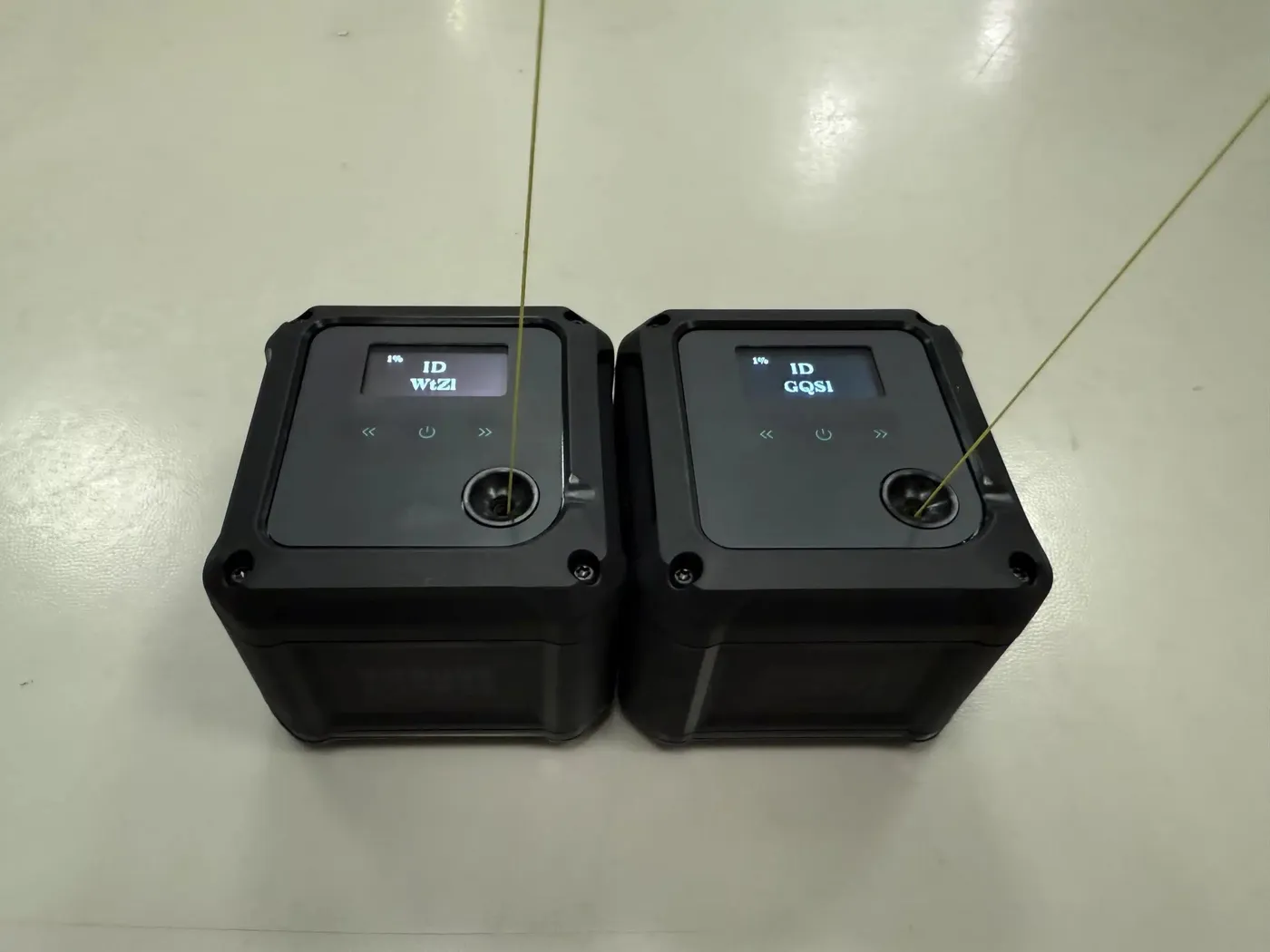
Which device do you have?
| Check | Vitruve Force (current) | Vitruve Encoder (older model) |
|---|---|---|
| Charging port | USB-C | Micro USB (type B) |
| Screen | 1.3" OLED | Smaller OLED |
| Controls | Membrane buttons with no moving parts | A power switch beside the screen and two physical buttons below it |
| Base | Four integrated metal plates and neodymium magnets | Six rounded magnets on the bottom |
| VBT in the current app | Yes | Yes |
| Jump workouts and Realtime Monitor | Yes | No |
If you are unsure, check the charging port first: a USB-C port means Vitruve Force.
Vitruve Force
What Vitruve Force does
The current encoder: VBT, force-plate jump metrics, and real-time curves.
Vitruve Force specifications
Velocity range, string, sampling, screen, base, and build.
Accessories and merch
Magnet hook, jump belt, band, mount, case, strap, and apparel.
Vitruve Speed
Vitruve Speed is a single-unit LiDAR timing gate for sprints, change of direction, and reaction games. It records sprint and reaction workouts in the app.
Vitruve Speed overview
What it measures, the unit, what is in the box, and specifications.
Set up Vitruve Speed
Hub and nodes, channels, gate height, walking the beam, and example layouts.
Settings and screens
Trigger, Role, detection distance, advanced settings, and the external display.
Reaction games on the gates
Light Chase, Go-No Go, Choice, reaction distance, and gate spacing.
Fix Vitruve Speed issues
Missed times, phantom times, interference, and inconsistent results.
Vitruve Encoder (older model)
Older encoder overview and specifications
What a linear position transducer measures, plus dimensions, battery, and accessories.
Reliability and calculated metrics
The validation research and how each metric is defined.
Buttons, menu, and screen
Power switch, left and right buttons, Menu screen, and OLED rep data.
Connect and place the encoder
Bluetooth mode, pairing, magnetic placement, and running several stations on one tablet.
Fix encoder hardware issues
Bluetooth not showing, eccentric reps recorded, or the rep count restarting.
Connecting a device
Pairing, the Connected and Active labels, and automatic reconnection work the same for every device. For Vitruve Speed, connect to the hub only. See Connect and select a device. If the device does not appear or will not connect, follow My device will not connect.
A device that is broken or malfunctioning needs a support ticket. See Contact support. Order, delivery, and warranty questions are covered in Orders and shipping.