Record your lifting velocity
Set up a personal VBT session, choose the actual load, capture encoder repetitions, and follow your coach’s feedback targets.
Use Training → VBT for a focused lifting workout. If your coach scheduled a session, open it through Workout → Calendar instead so you follow the prescribed structure.
Prepare your set
- Check your organization.
- Place and attach the encoder, then connect it and make it active.
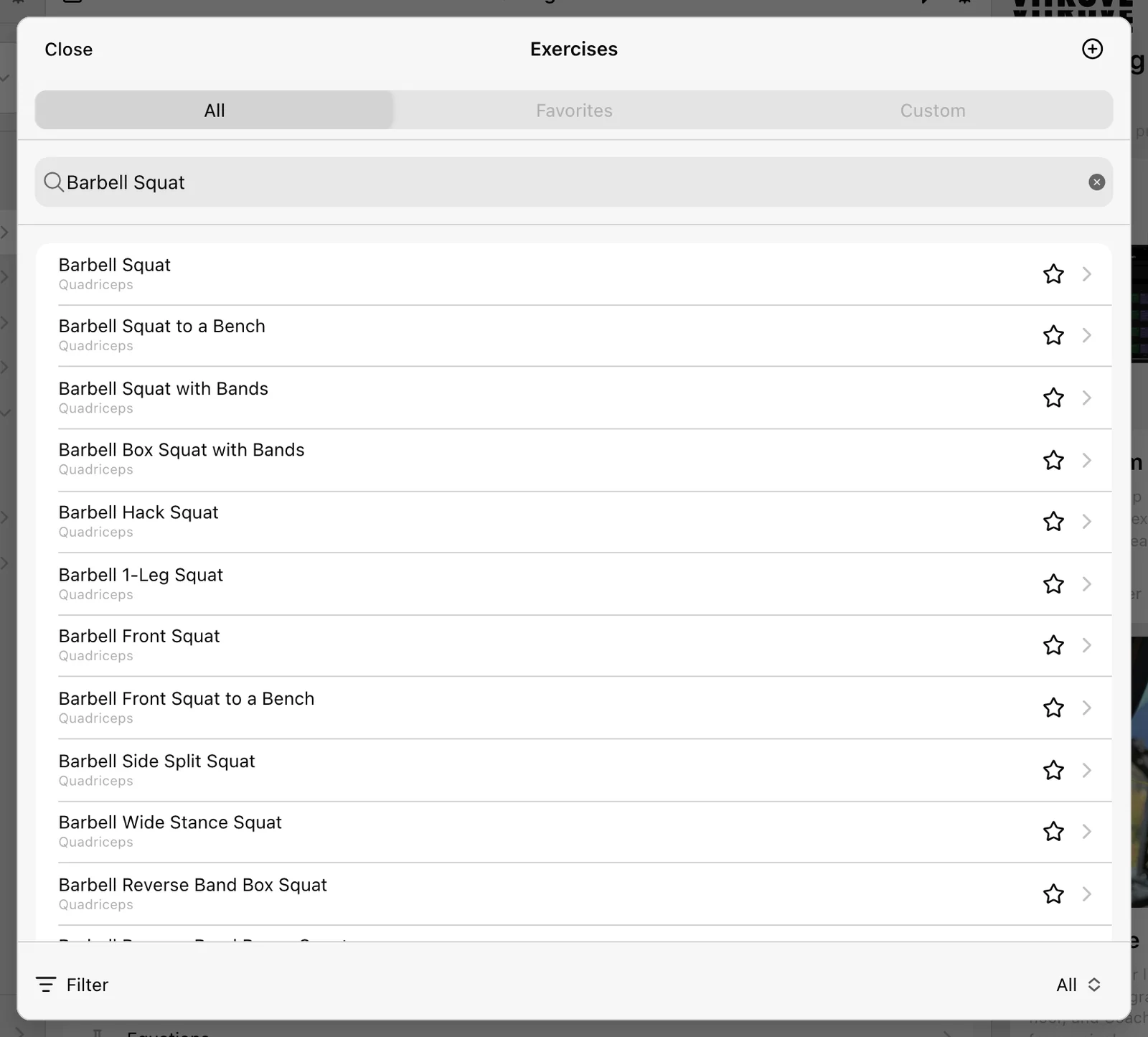
- Open VBT and choose the exact Exercise variation.
- Select Load, enter the weight actually on the bar in the displayed kg/lb unit, and confirm it.
The focused VBT flow begins with exercise/load selection. It does not ask you to choose a Calendar session. An equation is not required to measure velocity.
Record and read the display
Perform the lift when recording is ready and unpaused. The first measured rep opens the live display. Keep the app open while capturing the set.
The large number is the selected primary metric. MV, MPV, and PV all use m/s but describe different aspects of velocity; compare the same metric each time. A drop from your best repetition describes velocity loss within that set.
Follow the target and stopping instructions your coach gave you. A velocity-loss beep is feedback; Auto finish set is a separate inactivity timer. Do not assume a beep has saved or ended the set.
Save the set and session
Select Finish on the recording display, or allow the configured idle timer to end the set. Review the saved set under the exercise. Check the load again whenever you change the plates or exercise.
When all your work is done, review Summary and use the workout footer’s Finish. Verify the upload and History entry.
Record the work you actually perform
Follow exercise prescriptions, enter manual set values, capture measured work, and review your session before finishing.
Use your estimated 1RM and load–velocity profile
Read your session’s 1RM estimate, use the percentage calculator, and create a personal equation when your coach requests a profile.