Coach documentation
Set up your team, prescribe training, coach a session, and use the results to plan what comes next.
Your workspace for planning, delivering, and reviewing training. These guides address you as the coach: the selected athlete is the person whose work you are recording, not necessarily the account signed in on the device.
Start with one complete coached session
Follow Set up your first coached session to create your roster, assign a dated workout, record it, and verify the saved result.
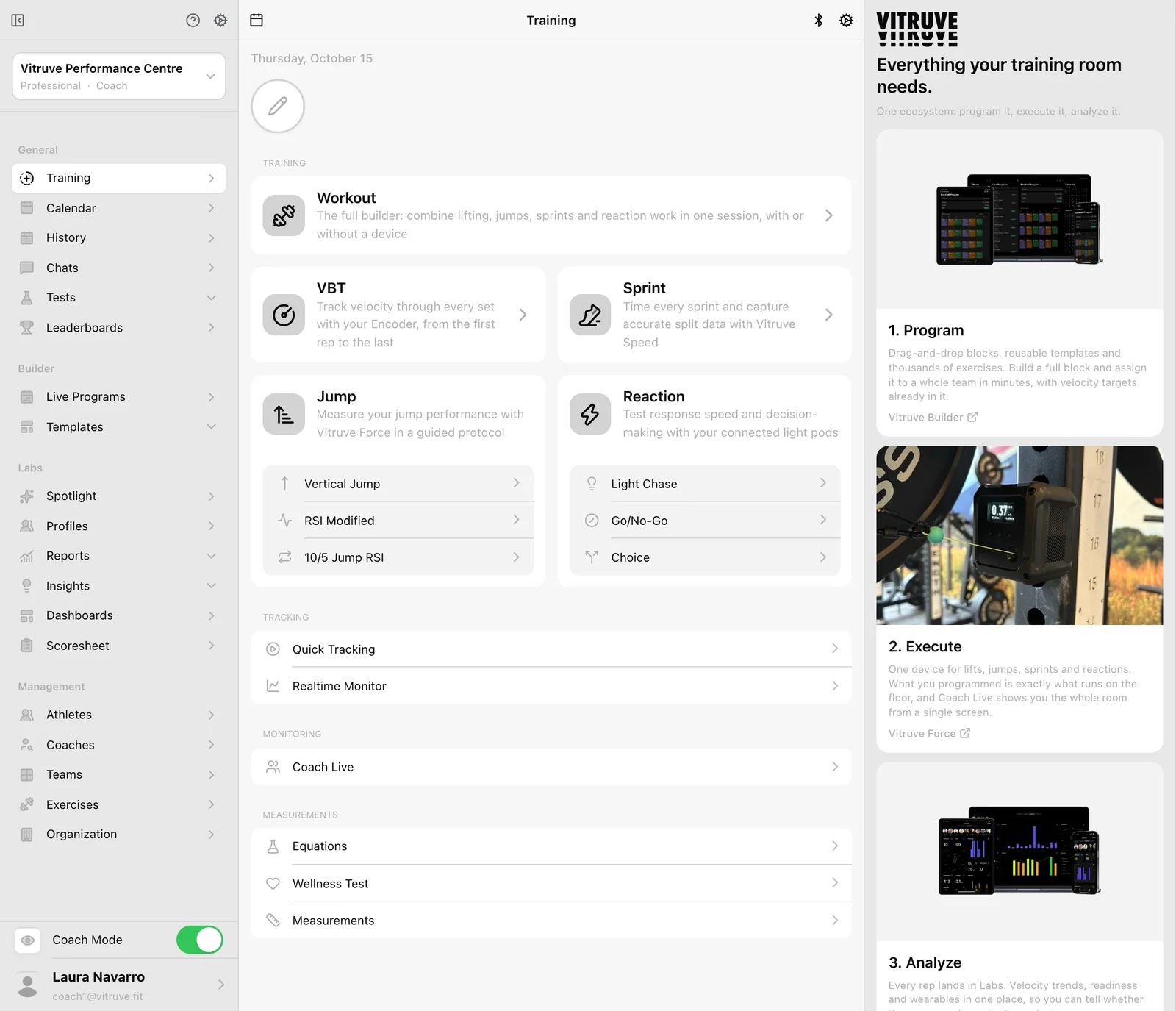
Your coaching workflow
1. Set up your workspace
2. Organize your team
3. Plan and assign training
4. Coach the session
5. Monitor readiness
6. Review the results
Analyze in Labs
Use an AI assistant
Keep the training floor moving
- Choose the active athlete before recording.
- Run a group session or monitor Coach Live.
- Recover an unfinished or missing workout.
- Resolve a programming or access problem.
Settings and ownership
Account and settings covers station preferences, organization administration, integrations, and account security. Plans and billing explains subscription management. Owner-only actions are marked on their pages; Coach Mode does not grant owner permissions.
Shared device instructions
Hardware and support contains the connection, placement, care, order, and compatibility instructions used by both roles. If you are following your own training rather than coaching others, open Athlete documentation.