Record body weight and height
Use Training → Measurements for dated body measurements and distinguish them from workout load, session body-weight overrides, and 1RM.
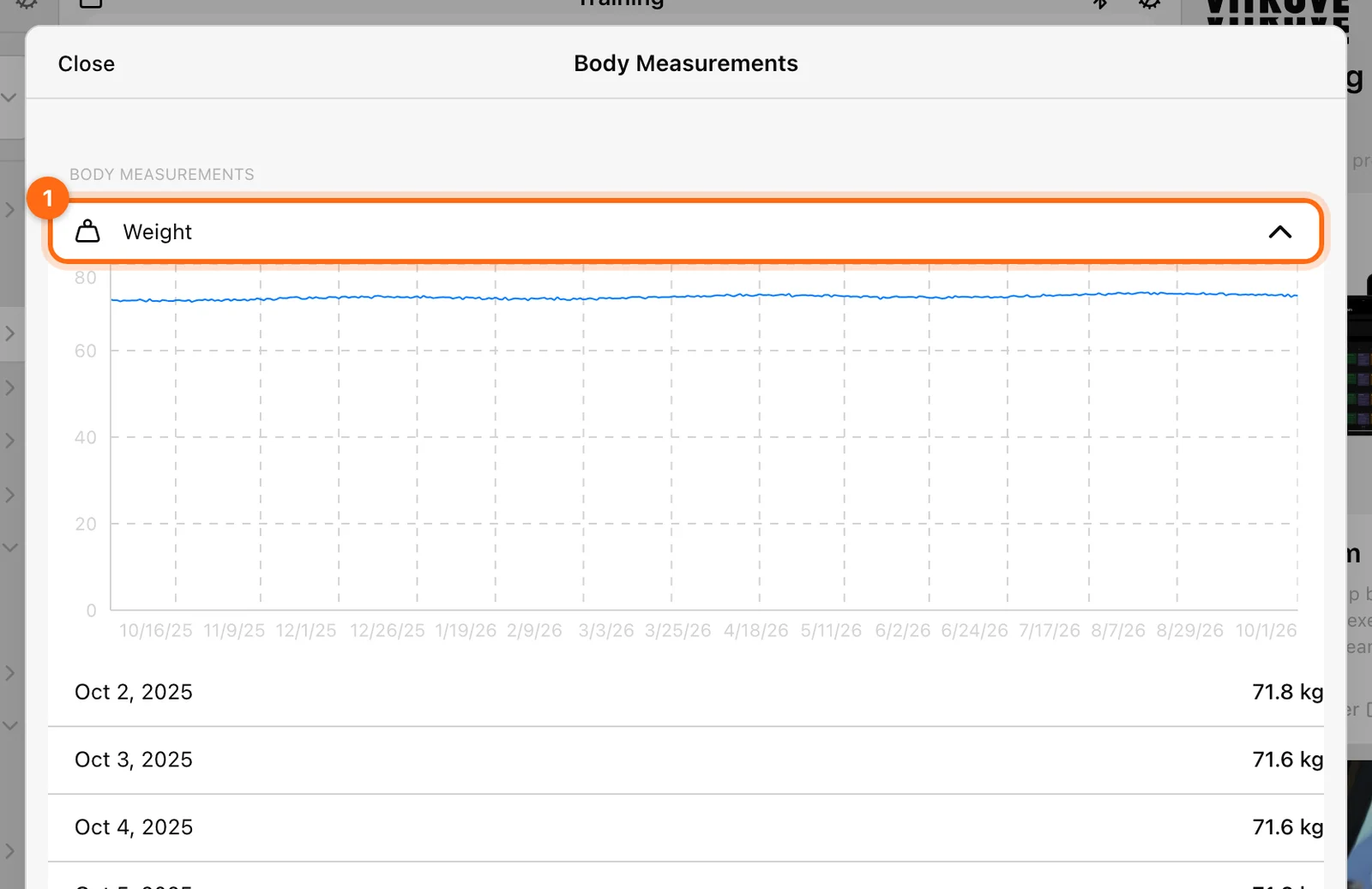
Open Training → Measurements to view Body Measurements for the active person. This records body weight and height as measurements; it does not start a lifting, jump, sprint, or reaction workout.
Check who receives the entry
In personal mode, you are recording your own measurement. In Coach Mode, select the intended athlete before opening Measurements. Check the organization as well as the person when reviewing their history.
Add body weight
- Open the Weight area.
- Select Add weight.
- Read the requested unit: kg or lbs.
- Enter the measured value and select Save.
- Check the dated entry and graph.
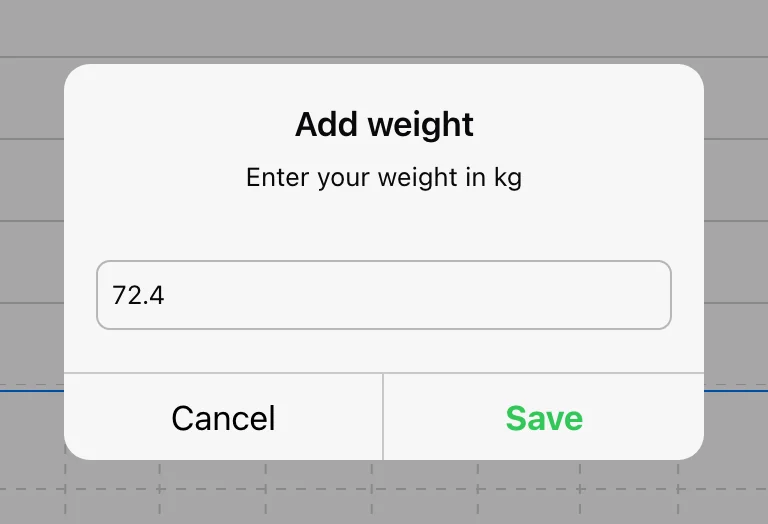
Values are normalized internally and displayed in the selected measurement system. A different displayed unit on another device is not automatically a different measurement.
Add height
Open the Height area, select Add height, enter the value in cm or inches as requested, and select Save. Review the entry before relying on calculations that use height.
The simple add prompts record the value through their current measurement workflow. For multi-athlete manual entry at an explicit shared timestamp, eligible web users can use Labs Scoresheet.
Understand three different weight concepts
| Value | What it represents | Where to manage it |
|---|---|---|
| Body weight measurement | A dated record of the person’s mass. | Training → Measurements or the available profile/account measurement area. |
| Body weight in a jump workout | The mass used for that athlete’s current recording context; it can be overridden. | The jump session’s separate Body weight row. |
| Load | External lifted/added weight: bar, vest, belt, sled, etc. | The workout’s Load field or relevant set values. |
Changing the jump session row is not the same as adding a dated measurement. Do not put an athlete’s body mass into the external Load card as a substitute.
Body weight is not 1RM
An exercise’s manual 1RM is managed through Training Settings → Enter 1RM Manual by Exercise. A load–velocity equation is managed through Equations. Neither belongs in the body-weight field.
If a measurement looks incorrect, verify its unit, athlete, and date before adding another value. Use Measurement troubleshooting for a workout output affected by the wrong input.
Quick Tracking and Realtime Monitor
Choose between an immediate unsaved readout, a continuous metric stream, and a workout you want to keep.
Coach several athletes in one session
Separate the selected roster from the active athlete, rotate lifters safely, and finish the right people’s workouts in the right flow.